Comparison
QuillBot Free vs. Premium: When Is Upgrading Worth It?
Compare QuillBot Free and Premium by writing task, paraphrasing limits, billing commitment, and how often you actually need an upgrade.
PrimeReview may earn a commission when you purchase through links on this page, at no extra cost to you. Read our affiliate disclosure.
The short answer
Quick Answer
Start with Free when your edits are short and occasional. Premium may be worth paying for when a specific limit repeatedly interrupts work you already do. More tools alone are a weak reason to add another subscription.
QuillBot FreeTry short passages, check basic errors, and learn whether you like the revision process.
QuillBot PremiumConsider an upgrade for recurring longer revisions or a documented need for advanced suggestions.
QuillBot Free
Best for: Occasional short edits and evaluating the basic workflow before paying.
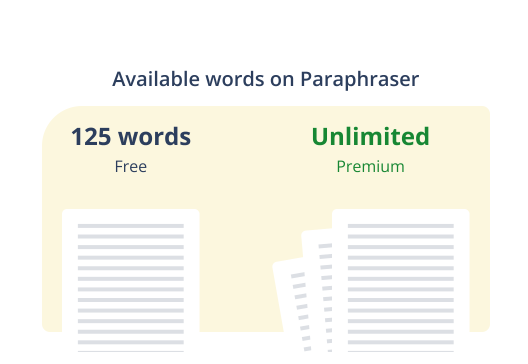
QuillBot lists basic grammar correction and limited paraphrasing on Free. Use it to establish whether the suggestions suit your writing.
QuillBot Premium
Best for: Writers whose recurring revision work exceeds the basic tier.
QuillBot lists USD 8.33 per month billed annually, price checked November 5, 2026.
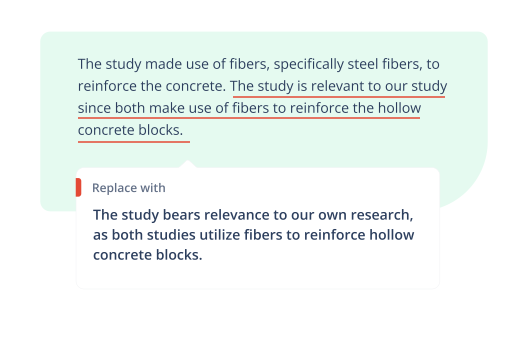
QuillBot lists broader rewriting access and advanced grammar recommendations on Premium. Its usage policy states that limits still apply.
Table of contents
Side by side
Quick Comparison
| Criteria | QuillBot Free | QuillBot Premium |
|---|---|---|
| Paraphrasing length | QuillBot lists up to 125 words per input on Free, verified November 5, 2026. | QuillBot lists full paraphrasing access on Premium, subject to its usage-limits policy. |
| Rewriting styles | QuillBot lists Standard and Fluency modes for Free. | The vendor documents additional built-in styles and custom modes for Premium. |
| Grammar assistance | The plan page lists basic grammar correction. | The plan page lists advanced grammar recommendations. |
| Financial commitment | The Free tier does not require a paid subscription. | QuillBot lists USD 8.33 per month billed annually, price checked November 5, 2026. |
| Meaning and final reviewTie | You remain responsible for checking what you send. | A paid subscription does not remove that editorial responsibility. |
Paraphrasing length
- QuillBot Free
- QuillBot lists up to 125 words per input on Free, verified November 5, 2026.
- QuillBot Premium
- QuillBot lists full paraphrasing access on Premium, subject to its usage-limits policy.
Rewriting styles
- QuillBot Free
- QuillBot lists Standard and Fluency modes for Free.
- QuillBot Premium
- The vendor documents additional built-in styles and custom modes for Premium.
Grammar assistance
- QuillBot Free
- The plan page lists basic grammar correction.
- QuillBot Premium
- The plan page lists advanced grammar recommendations.
Financial commitment
- QuillBot Free
- The Free tier does not require a paid subscription.
- QuillBot Premium
- QuillBot lists USD 8.33 per month billed annually, price checked November 5, 2026.
Meaning and final review
Tie- QuillBot Free
- You remain responsible for checking what you send.
- QuillBot Premium
- A paid subscription does not remove that editorial responsibility.
Key details
Pricing & Plans
QuillBot Free
- Free plan
- Available
- Billing model
- No subscription payment for the Free tier.
QuillBot Premium
- Free plan
- Not offered
- Billing model
- Paid subscription; check the selected term and total due at checkout.
Paraphrasing length
The useful distinction is how often input length disrupts an ordinary task. A short email and a long proposal create different buying decisions.
Rewriting styles
Extra styles may help explore phrasing. They do not establish that a rewrite preserves a qualification, technical term, or promise.
Grammar assistance
Use an ordinary paragraph from your own work to judge whether an additional suggestion addresses a real recurring problem.
Financial commitment
An annual monthly equivalent is not the amount charged each month. Confirm the total due, taxes, renewal terms, and any regional variation at checkout.
Meaning and final review
TieA small wording change can alter certainty or a delivery commitment. The review step belongs in either workflow.
Which should you choose?
Choose based on your needs
Choose QuillBot Free if...
- Your work consists mainly of occasional short passages.
- You are still deciding whether QuillBot fits your editing habits.
- You have not identified a recurring obstacle that requires payment.
Choose QuillBot Premium if...
- Input limits repeatedly break up a normal revision task.
- You need a documented paid feature often enough to justify the subscription.
- You have checked the billing term and can commit to the total cost.
Bottom line
Final Verdict
No single overall winner
Free is a sensible first step for occasional users. Premium may suit regular writers who can name the exact limit or advanced feature they need. Decide from a recurring task and the actual billing commitment, rather than the length of a feature list.
More context
Additional buying considerations
First, identify what interrupts your writing
An upgrade is easier to assess when it solves a named problem. If you edit one short message every few days, a larger rewriting allowance may have little value. If you regularly revise proposals, dividing a draft into tiny sections may be an obstacle worth removing.
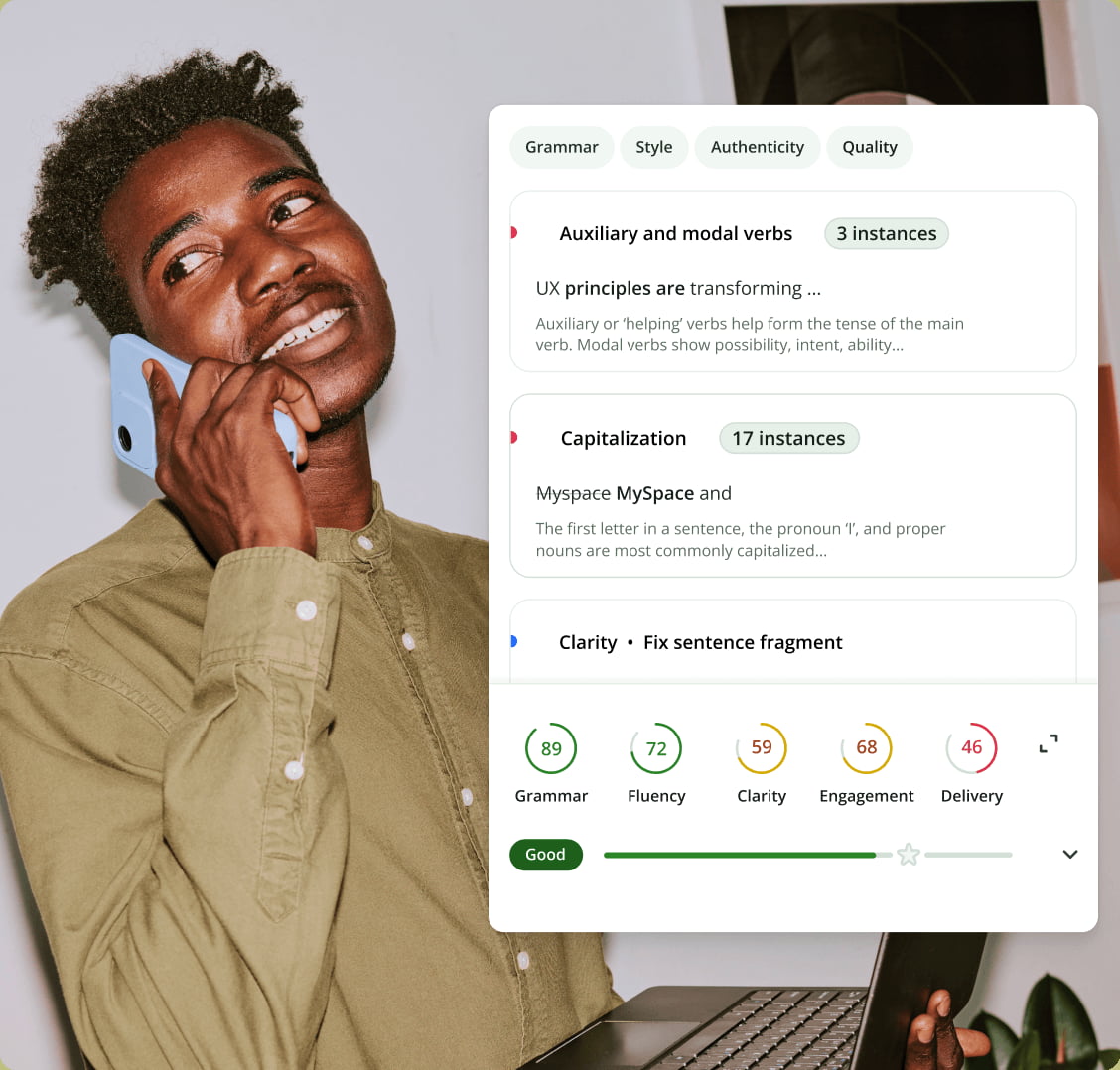
This is a research-based plan comparison using official pages checked on November 5, 2026. It does not report paid-account testing or a measured improvement in writing quality. The header is an official promotional visual, not a screenshot of an editorial test.
What the upgrade changes—and what it cannot decide
The main differences documented on the official plan page concern access, controls, and the depth of recommendations. Those are useful distinctions, but they are not a guarantee about a finished document.
For example, changing “we may deliver on Friday” to “we will deliver on Friday” makes a stronger promise. A polished sentence can still be the wrong sentence to send. Keep names, dates, qualifications, citations, and commitments in your final review, whichever tier you choose.
The QuillBot review covers the wider product. This comparison focuses on whether paying removes an obstacle in your own revision process.
A practical upgrade decision in four steps
- Choose one recurring task. Use a typical email, proposal section, or assignment paragraph that contains no confidential information.
- Finish it with the free workflow. Record where you encounter an actual restriction. Separate a product limit from an unclear original draft.
- Match the restriction to a documented paid feature. A different mode is relevant only if it helps the type of editing you need.
- Compare the cost with the work it could remove. Include the time you will still spend checking meaning. Treat this as an estimate until you have tried the relevant paid feature.
Do not assume that splitting a long document into many separate inputs is harmless. A sentence can depend on a definition, pronoun, or qualification in the previous paragraph. Keep enough context to review each section against the full document.
Read the annual price as a commitment
Price checked November 5, 2026: QuillBot’s Premium page displayed USD 8.33 per month billed annually. That is an annual-plan monthly equivalent. Check the complete charge shown at checkout; do not treat the displayed figure as a monthly payment or calculate an exact annual invoice from a rounded number.
Choose a billing term that matches how confident you are about the tool’s role. A subscription used only for one short project deserves a different assessment from software used every working day. Our software subscription checklist explains the renewal and cancellation questions to check before committing.
Do not interpret the Premium label as a blanket promise
QuillBot’s usage-limits policy states that limits may vary by feature, account, and surface. Check the current in-product allowance for the activity you need rather than extending a paraphrasing claim to every other tool.
The product page also uses different wording around mode counts in different sections. This comparison deliberately describes the type of access instead of treating one count as a universal entitlement across every interface.
When to keep Free
Stay with the basic tier when it completes your normal task without repeated workarounds. A paid plan is difficult to justify if the real bottleneck is organizing the argument, checking sources, or deciding what you want to say.
Consider Premium when you can complete this sentence with a specific answer: “I need the paid feature because this recurring task currently stops here.” That is a more useful buying signal than wanting every possible mode.
Image credits: official QuillBot homepage and Premium-page visuals, retrieved November 5, 2026. Promotional illustrations describe the vendor’s presentation and are not independent test evidence.
Common questions
Frequently asked questions
Is QuillBot Premium billed monthly at the annual-plan rate?
No. The monthly equivalent shown for annual billing is not a monthly installment plan. Confirm the selected billing term and full amount due before paying.
Does full access mean every QuillBot feature is unlimited?
No. QuillBot states that restrictions can depend on the feature and surface in its usage-limits policy. Check the limits for the exact tool you intend to use.
Will Premium always produce a better rewrite?
That is not established by the plan table. Broader access and extra controls are different from a demonstrated improvement on your particular writing.