Article
How to Use QuillBot Without Changing Your Meaning
Use QuillBot to revise a sentence while protecting facts, tone, and intent, with clear examples of wording changes that go too far.
PrimeReview may earn a commission when you use qualifying links on this page, at no extra cost to you. Read our affiliate disclosure.
Overview
A useful rewrite makes your message easier to read while keeping the same claim. Start with a short passage, choose a restrained revision, and check the result against the details that must survive.
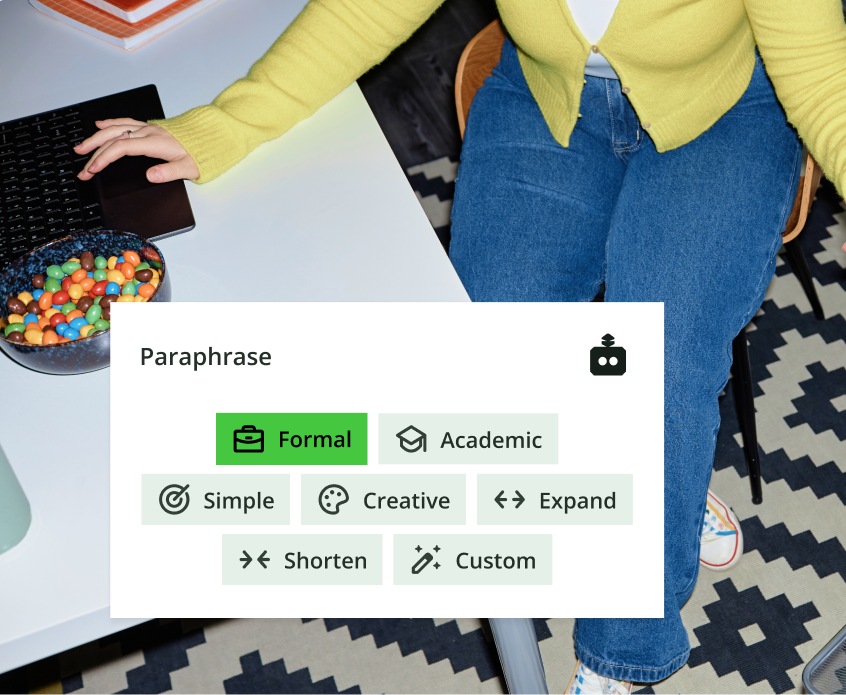
Table of contents
- In Short
- Start with what the sentence must still say
- Step 1: choose a short passage with enough context
- Step 2: choose the smallest useful change
- Step 3: check five things that commonly drift
- Three examples of edits to keep and edits to reject
- Step 4: inspect word choices in context
- Step 5: reread the whole document
- Decide whether the workflow is helping
- FAQ
Quick explanation
In Short
- Write down the facts and qualifications a rewrite must preserve.
- Revise one coherent passage at a time, then reread it in context.
- Treat alternative words as choices to inspect, not automatic improvements.
- Read the final text for meaning before checking surface polish.
Start with what the sentence must still say
Before opening a paraphrasing tool, identify the message you cannot afford to change. For a client email, that might be a delivery date and a condition. For an academic paragraph, it could be the difference between an association and a cause.
Take this original sentence: “We can deliver the first draft on Friday if we receive the brief by Tuesday.” A useful revision must preserve the first-draft stage, Friday delivery, and the Tuesday condition. Removing any of those details changes the offer.
This guide combines official QuillBot documentation checked on November 5, 2026 with an editorial revision method. The examples below were written for explanation; they are not QuillBot outputs or benchmark results. The cover is an official QuillBot guide visual illustrating paraphrasing controls.
Step 1: choose a short passage with enough context
Use a paragraph with one clear purpose. Include enough surrounding text to make pronouns, abbreviations, and qualifications understandable. A sentence beginning “this result” is difficult to review without knowing which result it refers to.
Remove private client details, unpublished research, or other sensitive material unless your organization has approved the tool for that use. A sample with fictional names can reveal whether the workflow suits you without exposing a real brief.
Keep a copy of the original. You will need it to compare claims, rather than relying on a vague memory of what you meant.
Step 2: choose the smallest useful change
QuillBot’s Paraphraser page describes modes and synonym controls. Start with a restrained edit for clarity instead of searching for the most different wording. A rewrite does not need to sound unfamiliar to be useful.
Use the mode that corresponds to your task, then inspect the result. A more formal sentence may suit a report and feel excessive in a brief message to a colleague. Do not assume the mode name settles that judgment.
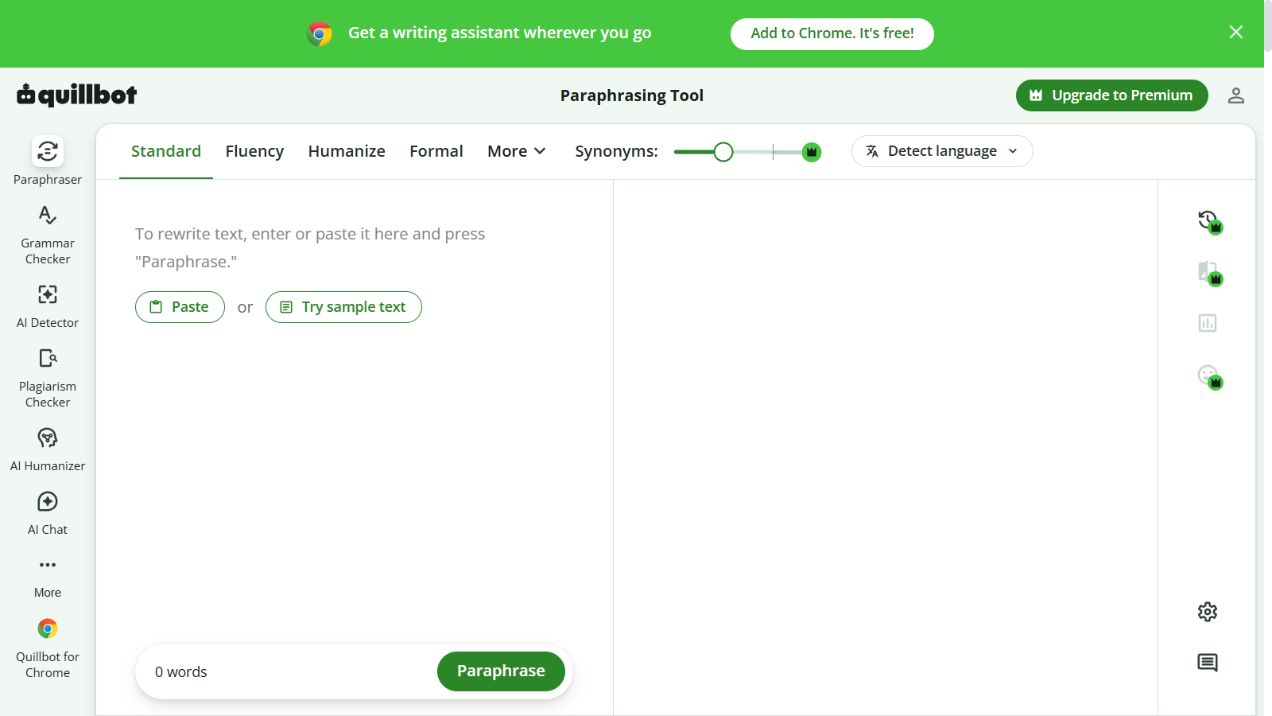
Actual public QuillBot interface captured November 5, 2026 before entering text. This shows the controls, not a generated result.
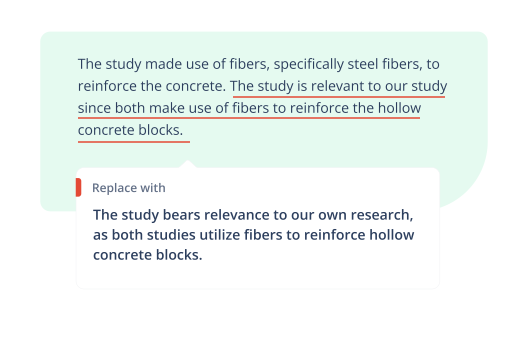
Official QuillBot promotional illustration from its Premium page. It shows how a replacement can be presented; it is not a result generated for this guide.
Step 3: check five things that commonly drift
| Check | What to compare | Why it matters |
|---|---|---|
| Certainty | may, could, likely, will | A possibility can become a promise. |
| Scope | some, most, all, only | A limited claim can become universal. |
| Time | by Friday, on Friday, after Friday | A deadline can become a different schedule. |
| Cause | associated with, caused by | A relationship can become an unsupported explanation. |
| Responsibility | I, we, the supplier, the client | The rewrite can assign the action to the wrong person. |
Read each of these details against the original passage. This check is especially useful when the rewritten version feels smoother, because fluency can make a changed claim less noticeable.
Three examples of edits to keep and edits to reject
The following are editorial examples, not outputs attributed to QuillBot or any other tool.
A deadline with a condition
Original: “We can deliver the first draft on Friday if we receive the brief by Tuesday.”
Meaning preserved: “If the brief arrives by Tuesday, we can deliver the first draft on Friday.”
Meaning changed: “We will deliver the completed project on Friday.”
The last version removes the condition and turns a first draft into a finished project. Reject it even though it is short and easy to read.
Evidence with a qualification
Original: “The survey suggests that some respondents prefer shorter tutorials.”
Meaning preserved: “The survey indicates a preference for shorter tutorials among some respondents.”
Meaning changed: “The survey proves that users learn better from short tutorials.”
Preference is not learning performance, some respondents are not all users, and a suggestion is not proof. Check the underlying source before changing any of those elements.
A request without blame
Original: “Could you send the revised invoice when you have a moment?”
Meaning preserved: “When you have a moment, could you send the updated invoice?”
Meaning changed: “You must correct and resend the invoice immediately.”
The last sentence adds urgency and blame. For workplace writing, the relationship between the sender and reader is part of the meaning.
Step 4: inspect word choices in context
The vendor documents a synonym slider and selectable alternative words. Treat those as ways to explore choices. A more unusual word may be less precise, particularly for technical terminology or phrases with a standard professional meaning.
If “estimate” becomes “guarantee,” or “review” becomes “approve,” restore the original unless you deliberately intend the stronger commitment. Keep product names, quotations, contractual wording, and specialist terms stable when an exact expression matters.
For a word you do not know, check a reliable dictionary and the surrounding sentence. Do not accept it merely because it sounds more advanced.
Step 5: reread the whole document
Once the paragraph is revised, put it back into context. Check whether “it” still points to the correct object and whether the same person, product, or process has acquired several inconsistent names.
Read the final message once for facts and once for tone. If the original point has become less definite in your own mind, return to the original sentence and simplify it manually.
Paraphrasing also does not remove a source’s contribution to an idea. Preserve the citation when the idea or finding comes from someone else, and follow your school, employer, or client’s rules for assisted writing.
Decide whether the workflow is helping
A useful editing session ends with a clearer passage you can explain and defend. If you spend longer undoing changes than resolving the original sentence, reduce the amount of rewriting or keep the original structure.
Our QuillBot review discusses the wider toolset. If you are considering payment, use the subscription checklist to evaluate the commitment as well as the features.
Image credits: QuillBot paraphrasing guide, official Premium-page illustration, and a capture of the public Paraphraser interface, retrieved November 5, 2026. Images are included for context and do not establish product performance.
Common questions
Frequently asked questions
Can paraphrasing change the meaning of a sentence?
Yes. A different verb, qualification, or time reference can change a claim even when the result reads smoothly. Compare the rewrite with your intended message.
Should I accept every synonym suggestion?
No. Check the meaning in context, level of formality, technical usage, and whether the word changes the reader’s expectations.
Are the examples in this guide actual QuillBot outputs?
No. They are editorial examples designed to show meaning changes. They are not presented as generated outputs or a product benchmark.