Article
ElevenLabs Dubbing: How to Translate and Localize a Video
Learn how to use ElevenLabs Dubbing for multilingual video, with a practical workflow for source preparation, translation review, credits, and final delivery.
PrimeReview may earn a commission when you use qualifying links on this page, at no extra cost to you. Read our affiliate disclosure.
Overview
ElevenLabs Dubbing is designed for existing audio and video that needs another spoken language. A reliable localization process also reviews the translation, speaker delivery, on-screen text, and final video master rather than treating a generated dub as the finished release.
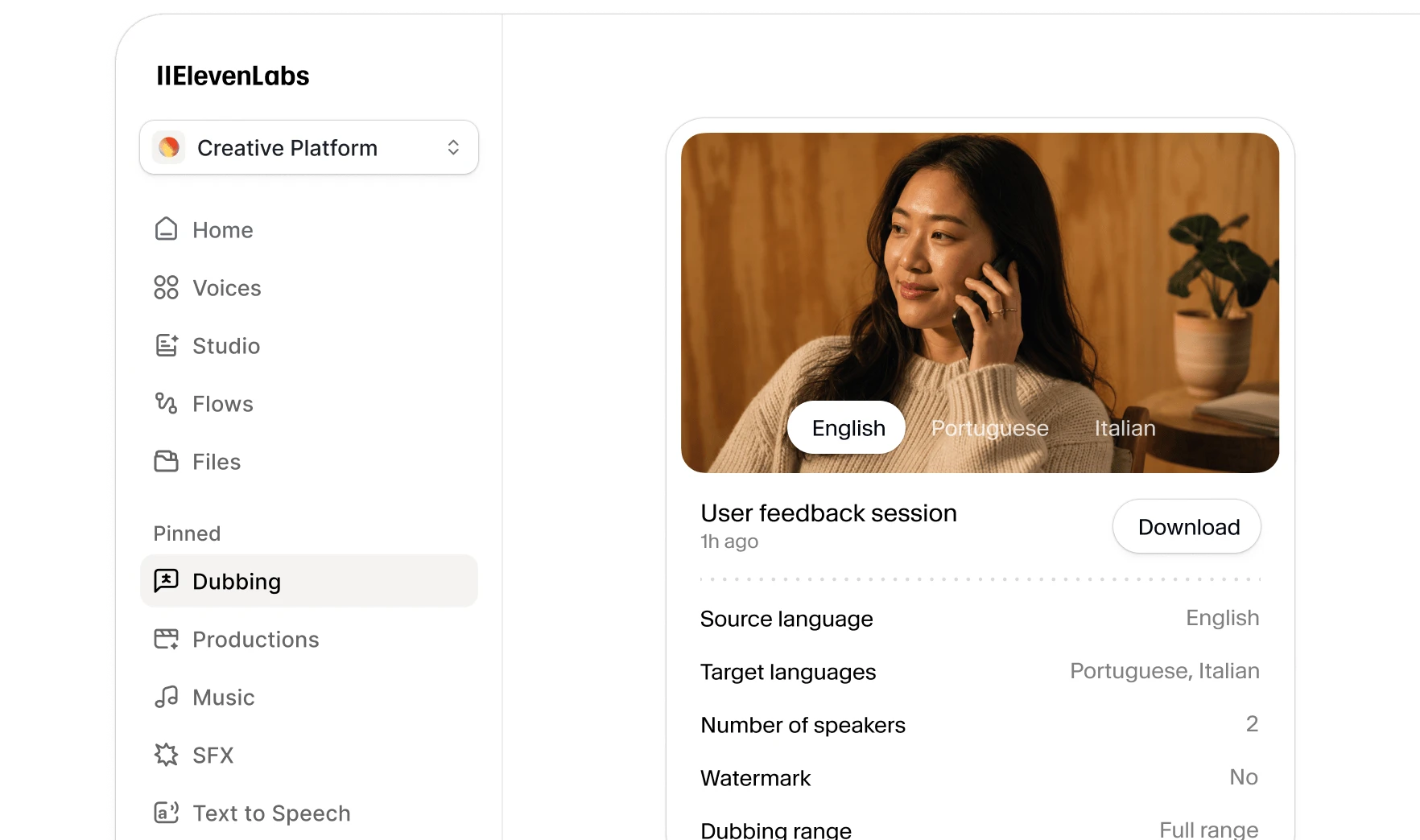
Table of contents
- In Short
- What ElevenLabs Dubbing does
- Decide whether dubbing suits the video
- Step 1: prepare an approved source edit
- Step 2: create a short dubbing project
- Step 3: review the translation and delivery separately
- Dubbing v2 and legacy Dubbing Studio are different workflows
- Budget for every target language
- Preserve the original video for final delivery
- When to expand beyond the first language
- FAQ
Quick explanation
In Short
- Start with an approved source edit and one target language before expanding a project.
- Review meaning and pronunciation with a fluent speaker of the target language.
- Distinguish current Dubbing v2 editing from the legacy Dubbing Studio workflow.
- Account for every target language and preserve the original video for final delivery.
A translated voice track is only one part of a localized video. Viewers also need the explanation, references, captions, and on-screen instructions to make sense in their language. ElevenLabs Dubbing can help with the spoken layer, while the editorial work determines whether the result is ready to release.
This guide is based on official product pages and documentation checked on October 14, 2026. It explains a production approach rather than reporting hands-on results or measured translation quality.
What ElevenLabs Dubbing does
On its Dubbing product page, ElevenLabs describes Dubbing v2 as a workflow for translating recorded content across more than 90 languages and accents. The company says it uses the source performance to guide voice identity, tone, and timing. Those are vendor claims; evaluate them with a clip that represents your own material.
This differs from pasting a translated script into a text-to-speech tool. A dubbed project begins with a recording and the relationship between its speakers, timing, and visuals. A fresh voiceover begins with text and a selected narrator. Our ElevenLabs review explains the broader platform, while the creator tools shortlist places dubbing alongside narration and sound effects.
Decide whether dubbing suits the video
Dubbing is worth evaluating for tutorials, courses, interviews, explainers, and product demonstrations whose central message is useful in another market. It is a less straightforward choice when the material depends on wordplay, culturally specific references, or a performance that cannot tolerate a changed rhythm.
| Content type | Main localization check |
|---|---|
| Software tutorial | Menu labels and spoken instructions match the localized interface |
| Online course | Terminology is consistent across lessons |
| Interview | Each speaker’s meaning and identity remain clear |
| Product demonstration | Measurements, availability, and regional claims remain accurate |
| Comedy or character dialogue | A fluent reviewer approves the adapted tone and timing |
Choose one target audience first. Use existing audience requests, language data you already have, or a specific distribution plan to justify the choice. Adding many languages before establishing a review process creates more versions to maintain without proving that viewers need them.
Step 1: prepare an approved source edit
Finish the source video’s main editorial changes before starting localization. If the introduction, demonstration, or conclusion changes afterward, every target-language version may need another review.
Listen to the source in full and mark difficult passages. Overlapping speakers, technical terminology, jokes, background music, and quick transitions deserve attention. Keep an approved transcript and a glossary of product names, abbreviations, and preferred translations so the reviewer has a reference.
Confirm that you have the rights and speaker permissions needed for the intended localized use. For a client project, define who approves translations and which markets or channels the release covers before beginning production.
Step 2: create a short dubbing project
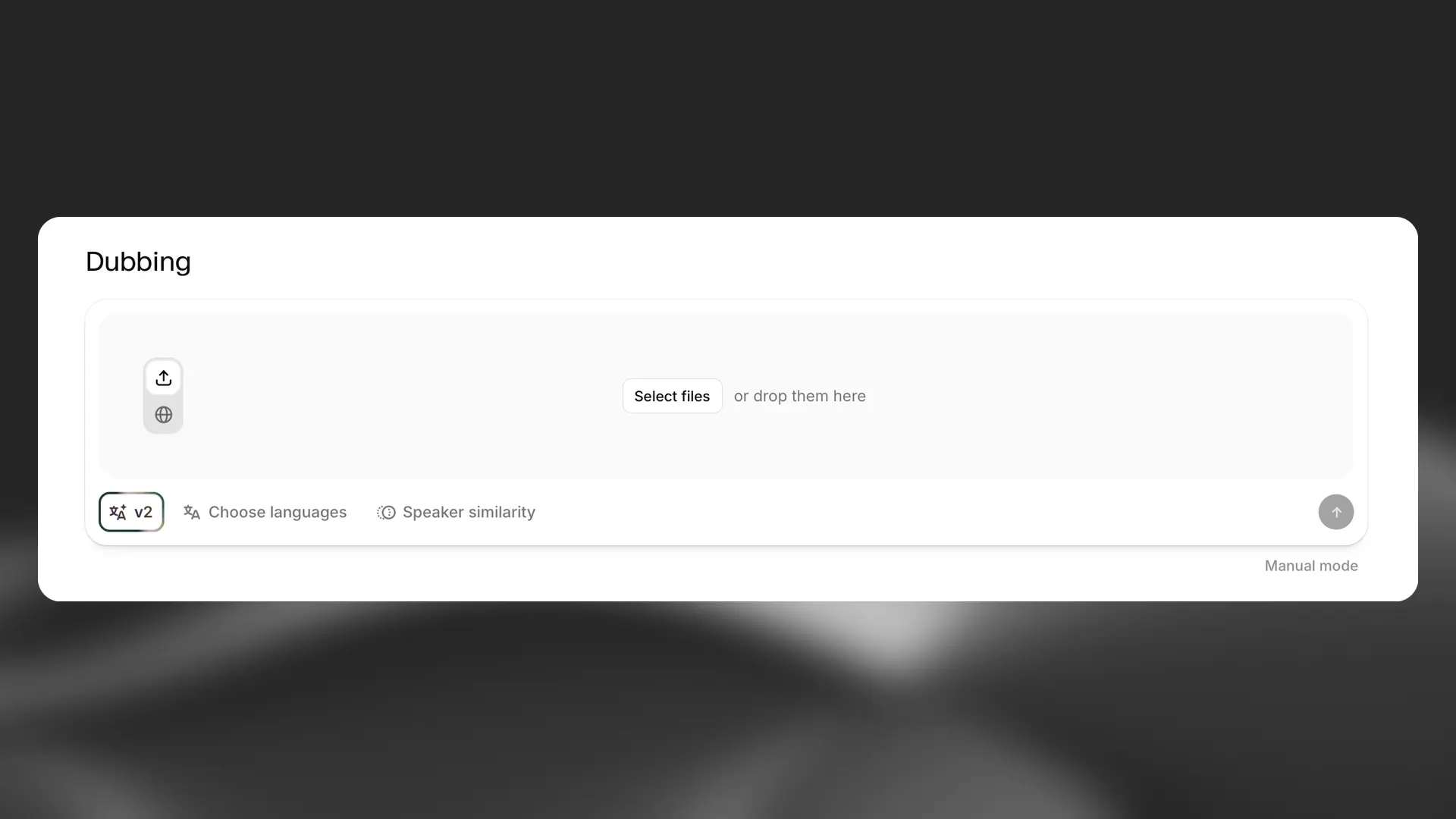
Official current project-creation screenshot from the ElevenLabs dubbing documentation, retrieved October 14, 2026.
ElevenLabs documents file uploads and supported URL inputs for creating a dub. Select the source and target language carefully, then inspect the displayed usage estimate before starting. Keep the first project small enough to review completely.
A representative clip should contain ordinary speech and at least one difficult passage. Include a name, a technical explanation, or a speaker change if those occur in the full video. An easy greeting will not show whether the workflow handles the material that matters.
Record the selected model, target language, source version, and project name. A simple convention such as topic, language, and revision number helps prevent an earlier dub from being mistaken for the approved version.
Step 3: review the translation and delivery separately
Ask a fluent target-language reviewer to compare the dub with the source. The first pass checks meaning: missing information, incorrect names, changed numbers, and expressions that do not carry naturally across languages. The second pass checks delivery: pacing, emphasis, speaker consistency, and whether the narration fits the visual action.
For a tutorial, watch the screen while listening. An instruction can be accurately translated and still arrive too late to follow the cursor. For an interview, check that the speaker attribution stays clear through interruptions and short replies.
Keep a correction log with the timestamp, the issue, the intended meaning, and the reviewer’s proposed wording. That is more actionable than a comment such as “the Spanish sounds strange.” It also helps the next language reviewer understand terminology choices.
Dubbing v2 and legacy Dubbing Studio are different workflows
The official dubbing documentation describes web editing for v2 and separate Enterprise requirements for API editing and regeneration. It identifies Dubbing Studio as a legacy v1 workflow in maintenance mode. Check the selected model and account access before assuming that an older tutorial applies.

Legacy project-menu screenshot from the official dubbing documentation. It illustrates the older workflow and should not be read as the current v2 editor.
If you need specific editing controls for a client deliverable, make that a requirement of the pilot. Confirm that the workflow lets you apply the corrections your reviewer requests before committing to a large batch. Product names alone do not establish whether the necessary controls are available.
Budget for every target language
ElevenLabs says dubbing is charged by source duration for each target language, with rates depending on the model. Verify the displayed estimate and the current pricing page rather than using text-to-speech minute estimates for a dubbing budget.
For planning, a ten-minute source translated into three languages represents thirty source-minute language units before any further correction work. This is an arithmetic example, not a credit allowance or a price quote. Record the actual estimate shown for the selected model, then add the cost of review, caption edits, and final assembly.
Separate the pilot from a full rollout. First establish whether a single language version is worth releasing. Then budget additional videos and languages using the effort observed in that approved workflow. If other ElevenLabs tools share your subscription, include their usage when checking the available balance.
Preserve the original video for final delivery
The dubbing documentation distinguishes dubbed previews from a production video master. Keep your source master and assemble the approved language audio against it in your final editing workflow. It also states that Dubbing itself does not include lip syncing.
Review translated titles, captions, diagrams, and interface labels. Dubbing the speech does not establish that any written text visible in the original video has been localized. A course may need translated slides; a product demonstration may need region-specific screenshots.
Watch the exported version from beginning to end. Confirm that the correct language track is present, the visuals match the narration, captions use the approved wording, and no temporary or outdated audio remains in the mix.
When to expand beyond the first language
Release a language version only after the reviewer approves its meaning and the editor approves the finished presentation. Keep the approved source, glossary, correction log, and final file together so updates can follow the same decisions.
After distribution, evaluate actual audience response and the maintenance effort. A second language is easier to justify when the first version has a clear audience and a repeatable review process. ElevenLabs can supply the dubbing step; consistent localization depends on the editorial system around it.
Common questions
Frequently asked questions
What is the difference between dubbing and text to speech?
Dubbing starts with an existing recording and produces another spoken language. Text to speech starts with a written script. Choose based on the source material and the output you need.
Does ElevenLabs Dubbing include lip sync?
The official dubbing documentation says lip syncing is not part of Dubbing. Treat any separate lip-sync tool as another production step with its own requirements.
Can I edit a Dubbing v2 project?
Current documentation describes transcript and translation editing with segment regeneration in the web interface. It separately restricts Dubbing v2 transcript editing and regeneration through the API to Enterprise plans. Verify access for your selected workflow.
Will dubbing a video grow my audience?
A dub can make the spoken content accessible to another audience, but growth is not guaranteed. Topic demand, local relevance, packaging, distribution, and content quality still matter.