Best Picks
3 Best ElevenLabs Tools for Content Creators
A research-based shortlist of the ElevenLabs tools that cover voiceovers, multilingual video, and custom sound effects for creator workflows.
PrimeReview may earn a commission when you purchase through links on this page, at no extra cost to you. Read our affiliate disclosure.
What this guide covers
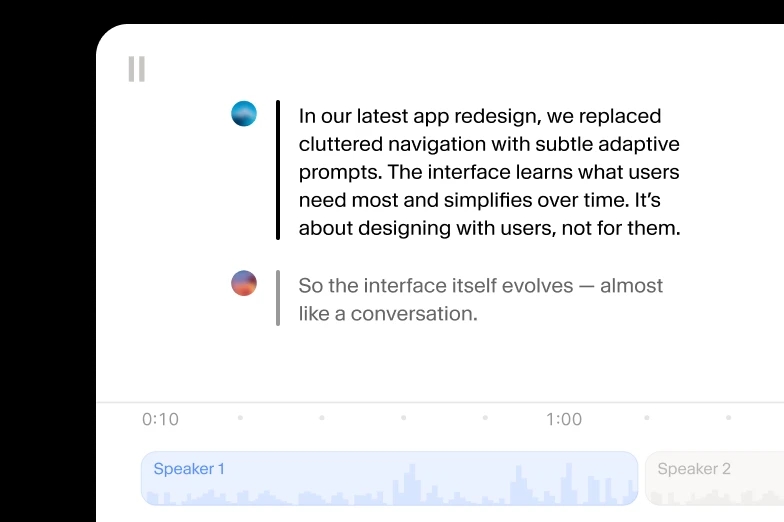
ElevenLabs now groups several audio-production tools inside one credit-based platform. This shortlist focuses on three creator-facing options with clearly different jobs: generating narration, localizing video, and making custom effects. It is based on current official documentation and product pages, not hands-on testing.
The shortlist
Our Top Picks
A quick view of the leading options in this guide. Read the full sections below for context and trade-offs.
- 1Best Overall
ElevenLabs Text to Speech
Best for: Narration, voiceovers, podcasts, explainers, and character dialogue
- 2Best for Multilingual Video
ElevenLabs Dubbing v2
Best for: Localizing videos while retaining speaker identity, tone, and timing
- 3Best for Custom Audio Layers
ElevenLabs Sound Effects
Best for: Foley, transitions, ambience, interface sounds, and one-off effects
Table of contents
Side by side
Comparison
| Rank | Product | Best for | Pricing | Key feature | Details |
|---|---|---|---|---|---|
| #1 | ElevenLabs Text to Speech | Narration, voiceovers, podcasts, explainers, and character dialogue | Price checked October 6, 2026: ElevenLabs lists Free with 10,000 monthly credits and Starter at $6/month. Temporary first-month promotions may apply. | ElevenLabs lists 90+ languages for its current Eleven v4 model | Try ElevenLabsJump to product |
| #2 | ElevenLabs Dubbing v2 | Localizing videos while retaining speaker identity, tone, and timing | Uses the shared plan credit pool. Current Dubbing v2 allowances and extra-minute rates vary by subscription tier; pricing checked October 6, 2026. | Automated translation, voice cloning, dubbing, and synchronization workflow | Try ElevenLabs DubbingJump to product |
| #3 | ElevenLabs Sound Effects | Foley, transitions, ambience, interface sounds, and one-off effects | The current pricing page lists 200 credits per sound-effects generation; plan prices and allowances were checked October 6, 2026. | Text-prompt sound generation | Try Sound EffectsJump to product |
- Best for
- Narration, voiceovers, podcasts, explainers, and character dialogue
- Pricing
- Price checked October 6, 2026: ElevenLabs lists Free with 10,000 monthly credits and Starter at $6/month. Temporary first-month promotions may apply.
- Key feature
- ElevenLabs lists 90+ languages for its current Eleven v4 model
- Best for
- Localizing videos while retaining speaker identity, tone, and timing
- Pricing
- Uses the shared plan credit pool. Current Dubbing v2 allowances and extra-minute rates vary by subscription tier; pricing checked October 6, 2026.
- Key feature
- Automated translation, voice cloning, dubbing, and synchronization workflow
- Best for
- Foley, transitions, ambience, interface sounds, and one-off effects
- Pricing
- The current pricing page lists 200 credits per sound-effects generation; plan prices and allowances were checked October 6, 2026.
- Key feature
- Text-prompt sound generation
Selection approach
How we chose these products
We reviewed ElevenLabs' official product and pricing pages on October 6, 2026, then separated the tools by the production task each one is designed to handle. Ranking reflects breadth of likely creator use, workflow fit, and the clarity of documented limits rather than measured output quality.
- A distinct and practical role in a creator's audio workflow
- Feature details that ElevenLabs documents on its current product pages
- Visibility of credit use, plan access, and commercial-use limits
- Meaningful trade-offs that can be evaluated without a hands-on test
The evidence available can differ by product. Inclusion does not imply hands-on testing unless an article explicitly says so.
Read our full review methodologyElevenLabs Text to Speech — Best Overall
Why it stands out
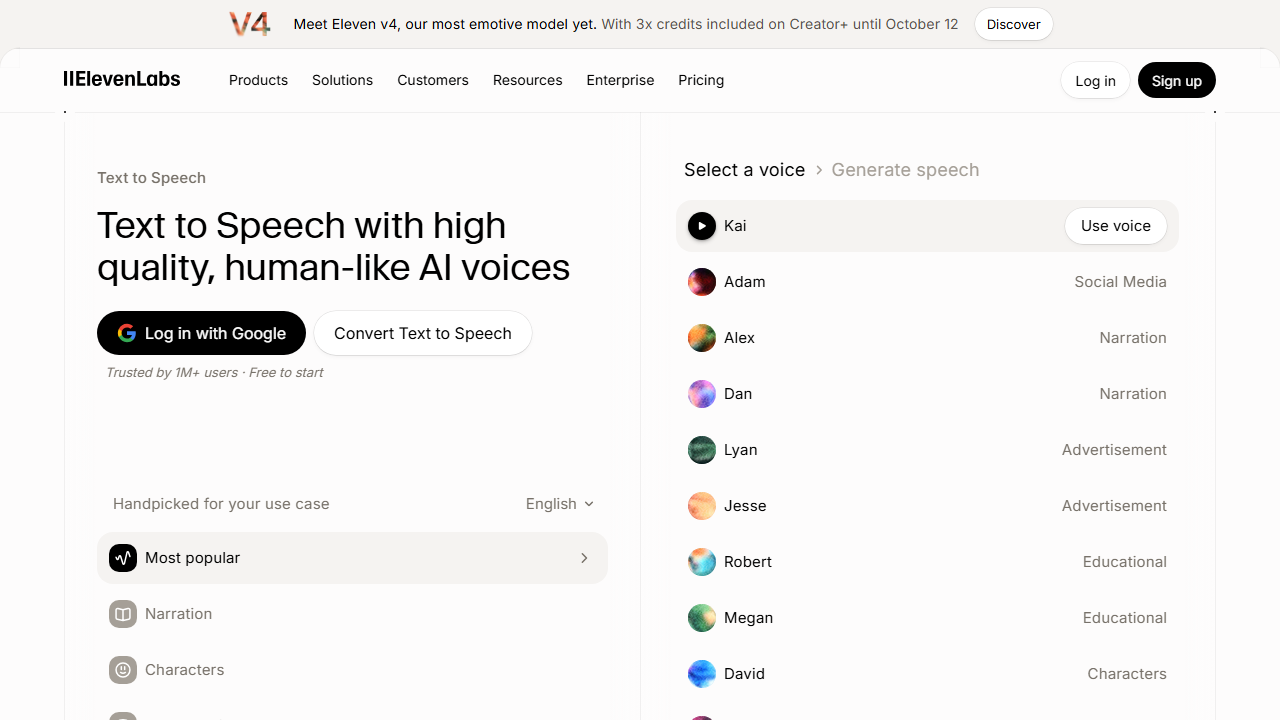
Text to Speech is the most broadly useful starting point because it turns a written script into spoken audio and connects directly with the platform's voice library and cloning options. The main planning constraint is the shared credit system, so longer or frequently revised projects need a realistic usage estimate.
- Brand
- ElevenLabs
- Best for
- Narration, voiceovers, podcasts, explainers, and character dialogue
- Pricing
- Price checked October 6, 2026: ElevenLabs lists Free with 10,000 monthly credits and Starter at $6/month. Temporary first-month promotions may apply.
- Free plan
- Available
- Platforms
- Web, API
- Billing model
- Shared monthly credits across ElevenLabs products
- Free allowance
- ElevenLabs lists 10,000 credits per month on the current Free plan
Key features
- ElevenLabs lists 90+ languages for its current Eleven v4 model
- Multi-speaker dialogue and style direction on supported models
- Access to the ElevenLabs voice library and voice-cloning workflow
- Web interface plus API access for supported plans
Pros and cons
Pros
- Covers common creator jobs from short voiceovers to long-form narration
- ElevenLabs documents multilingual generation, multi-speaker dialogue, and a large voice library
- ElevenLabs lists access on the Free plan for low-volume evaluation
Cons
- Credits are charged per generation, so repeated revisions consume allowance
- Commercial use requires a paid plan under the current plan comparison
- Output quality and pronunciation still need project-specific review
ElevenLabs Dubbing v2 — Best for Multilingual Video
Why it stands out
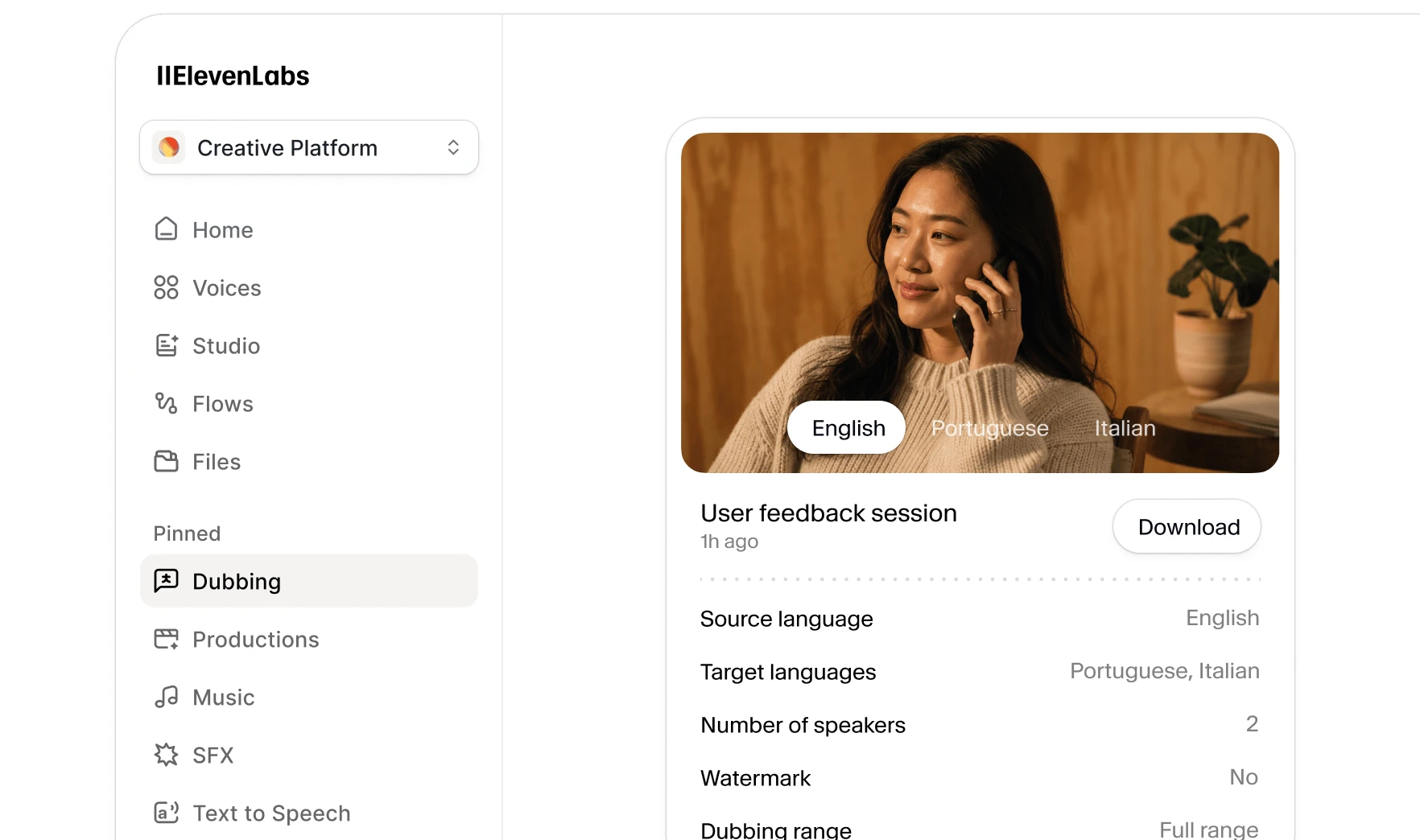
Dubbing v2 is the focused choice when the source is already recorded and the goal is multilingual distribution. ElevenLabs says the automated workflow handles translation, voice cloning, dubbing, and synchronization, but per-minute credit use can rise quickly when several target languages are added.
- Brand
- ElevenLabs
- Best for
- Localizing videos while retaining speaker identity, tone, and timing
- Pricing
- Uses the shared plan credit pool. Current Dubbing v2 allowances and extra-minute rates vary by subscription tier; pricing checked October 6, 2026.
- Free plan
- Available
- Platforms
- Web, API
- Language coverage
- ElevenLabs states 90+ languages and accents
- Charging basis
- Per source minute for each target language, using plan credits
Key features
- Automated translation, voice cloning, dubbing, and synchronization workflow
- Source performance is used to guide tone, emotion, and delivery
- Upload or URL-based project input in the creator interface
- ElevenLabs documents a self-serve web workflow and API availability
Pros and cons
Pros
- Built around complete audio and video localization rather than isolated voice generation
- ElevenLabs says it supports 90+ languages and accents
- Automatic speaker handling and voice cloning reduce manual setup
Cons
- Every additional target language adds usage cost
- Current Dubbing v2 allowances are much smaller than text-to-speech minute estimates
- Translation, pronunciation, and timing still require human review for important releases
ElevenLabs Sound Effects — Best for Custom Audio Layers
Why it stands out
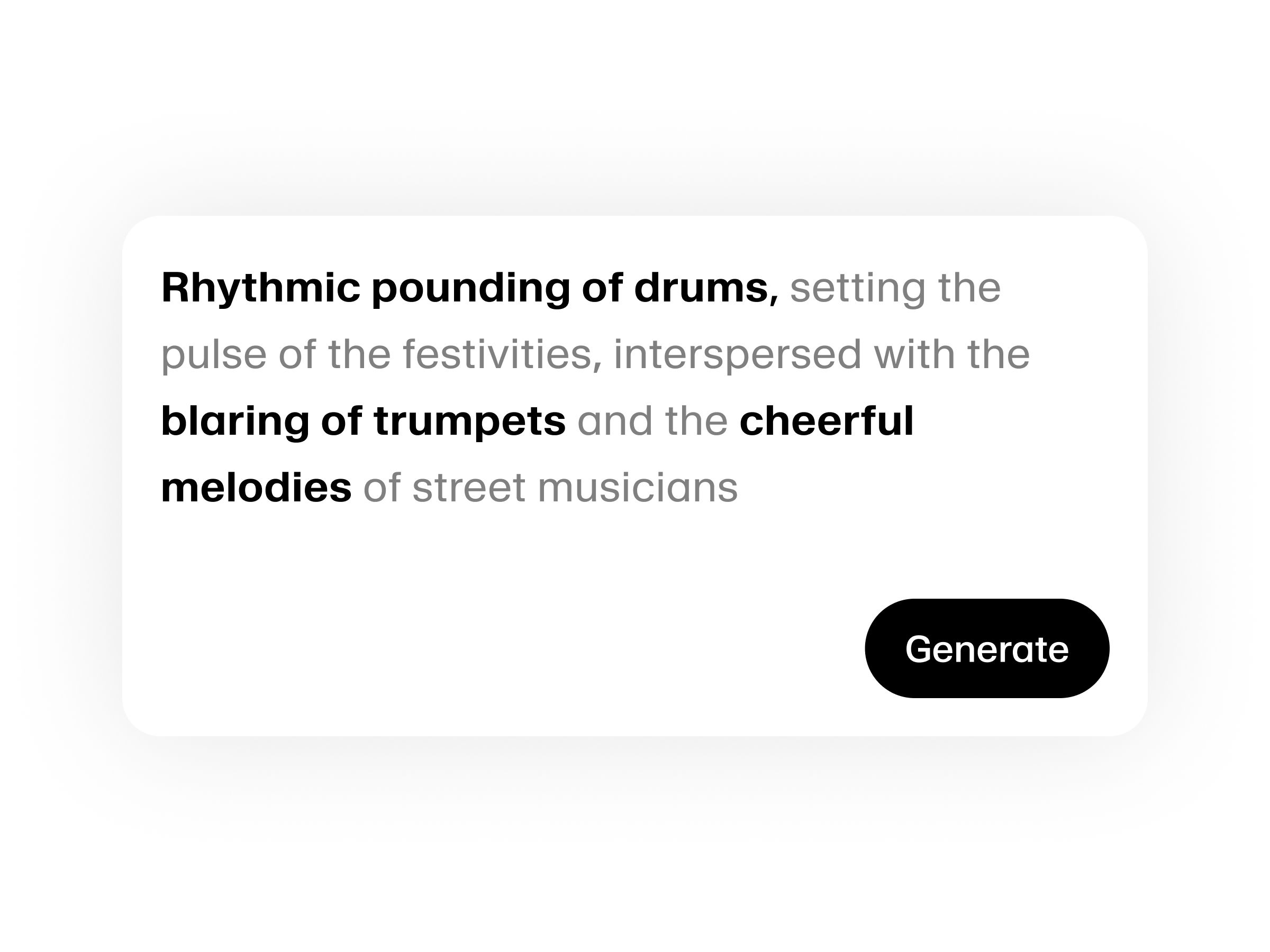
Sound Effects is the most specialized pick in this guide, but it can fill the gap between a voice track and a finished scene. It generates effects from text prompts and, according to ElevenLabs, returns multiple samples for comparison; creators should still confirm that the result fits the edit and current license terms.
- Brand
- ElevenLabs
- Best for
- Foley, transitions, ambience, interface sounds, and one-off effects
- Pricing
- The current pricing page lists 200 credits per sound-effects generation; plan prices and allowances were checked October 6, 2026.
- Free plan
- Available
- Platforms
- Web, API
- Current credit use
- ElevenLabs lists 200 credits per generation
- Typical role
- Foley, ambience, transitions, interface audio, and scene effects
Key features
- Text-prompt sound generation
- Four samples per generation according to the official product page
- MP3 and WAV output options documented on the current pricing page
- Royalty-free use described by ElevenLabs, subject to current plan terms
Pros and cons
Pros
- Creates custom effects from a plain-language prompt
- The official page says each prompt produces four samples
- Useful for audio details that may be hard to find in a stock library
Cons
- Several prompt attempts may be needed to reach a precise result
- Generated effects still need editing, level matching, and context checks
- Credits come from the same allowance used by voice and dubbing tools
Common questions
Frequently asked questions
Which ElevenLabs tool should a new creator try first?
Text to Speech is the most flexible first stop when the immediate job is narration or voiceover. Dubbing v2 makes more sense when a finished recording needs localization, while Sound Effects is designed to add non-speech audio to an edit.
Does ElevenLabs have a free plan?
Yes. The official pricing page listed a Free plan with 10,000 monthly credits on October 6, 2026. Features, allowances, and promotions can change, so confirm the current plan table before starting a large project.
Can free-plan audio be used commercially?
The current plan comparison places the commercial license on Starter and higher plans. Check the latest ElevenLabs terms for the exact content type and use case before publishing monetized work.
Do all ElevenLabs tools use separate credit balances?
No. ElevenLabs states that products draw from one shared monthly credit pool. Using credits for dubbing or sound effects leaves fewer credits for text-to-speech generation during the same billing period.